

iPhone · iPad · App Store
RT Library
Find your next read in the Riviera Towers community library. Search the shelf-photo catalog by title, author or genre on iPhone and iPad. A personal contribution for shareholders at Riviera Towers West New York.

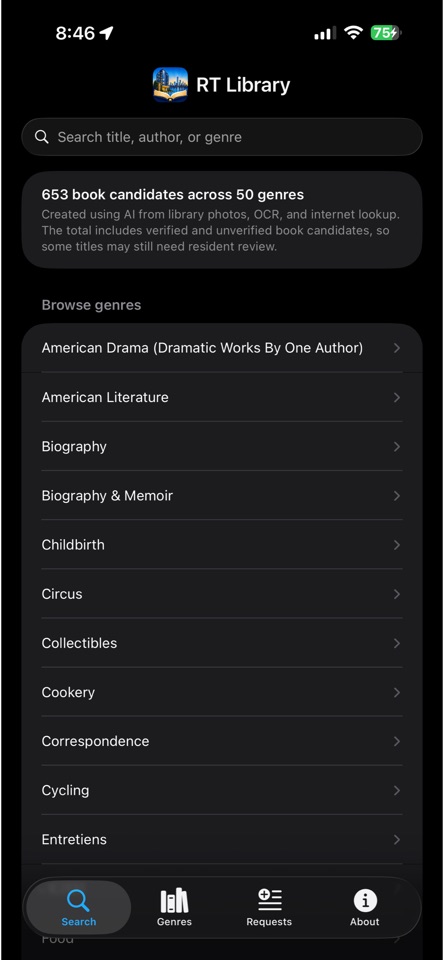
The app helps co-op shareholders search and browse the building library by title, author, and genre without physically scanning every shelf.
Free on the App Store for iPhone and iPad. Requires iOS 17 or iPadOS 17 or later. Built for the Riviera Towers community library.
From shelves to a searchable catalog
The catalog starts with photographs of the library shelves. OCR reads the visible book text, and metadata lookup helps match titles and authors. Version 1.0 includes 653 book candidates across 50 genres, with both verified and unverified entries. It is a useful starting point for finding a book, and a catalog the community can help improve.
Search runs on your device against the bundled catalog. Book covers and public metadata may need a network connection. No account is required in version 1.0. See the privacy policy for the current data and permissions details.
Inside the app
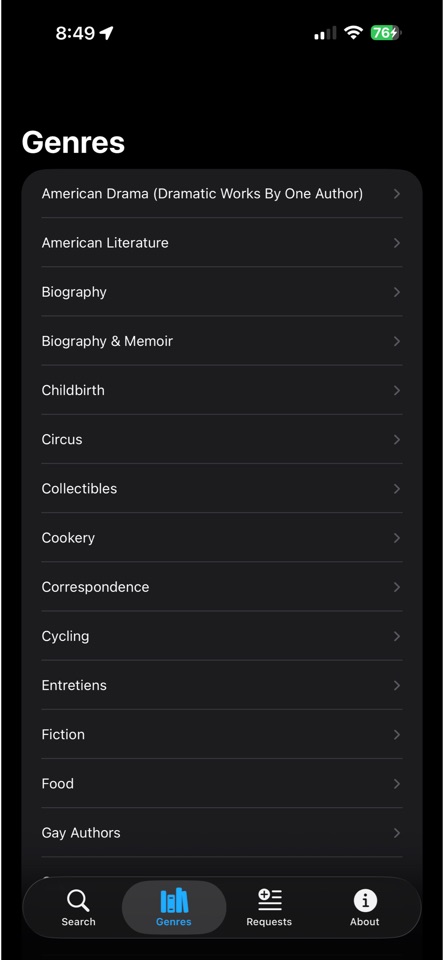
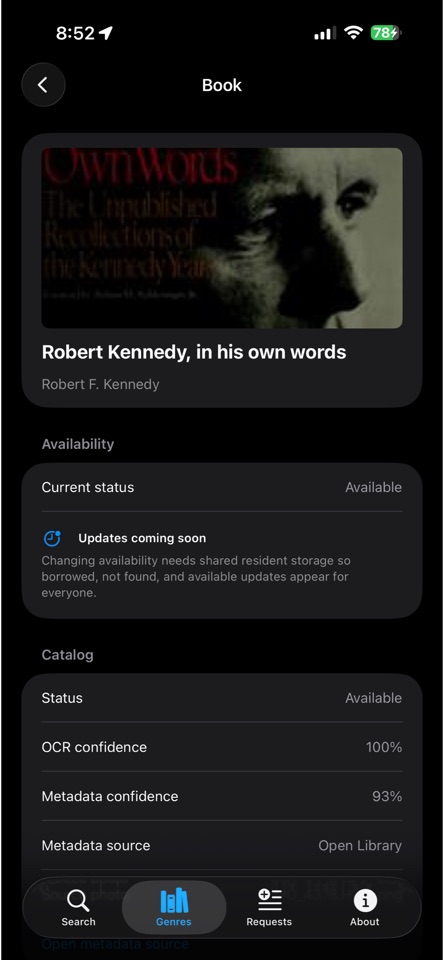
Published iPhone screenshots from version 1.0. Select an image to view it at full size.
iPhone
iPad
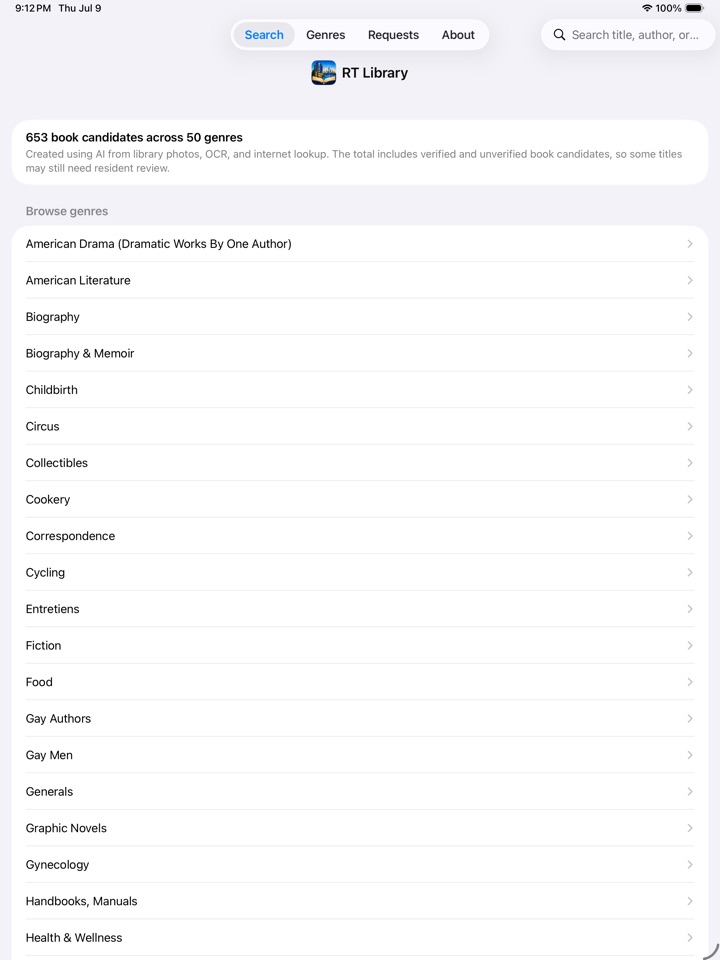
The same catalog on a larger display, with room to browse genres and review book details.
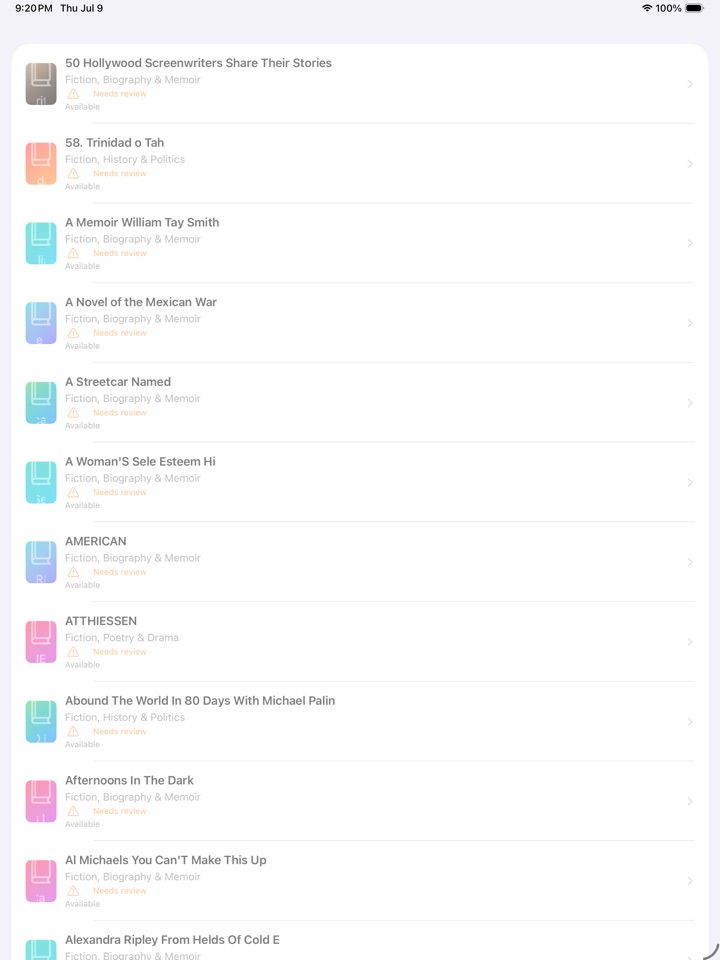
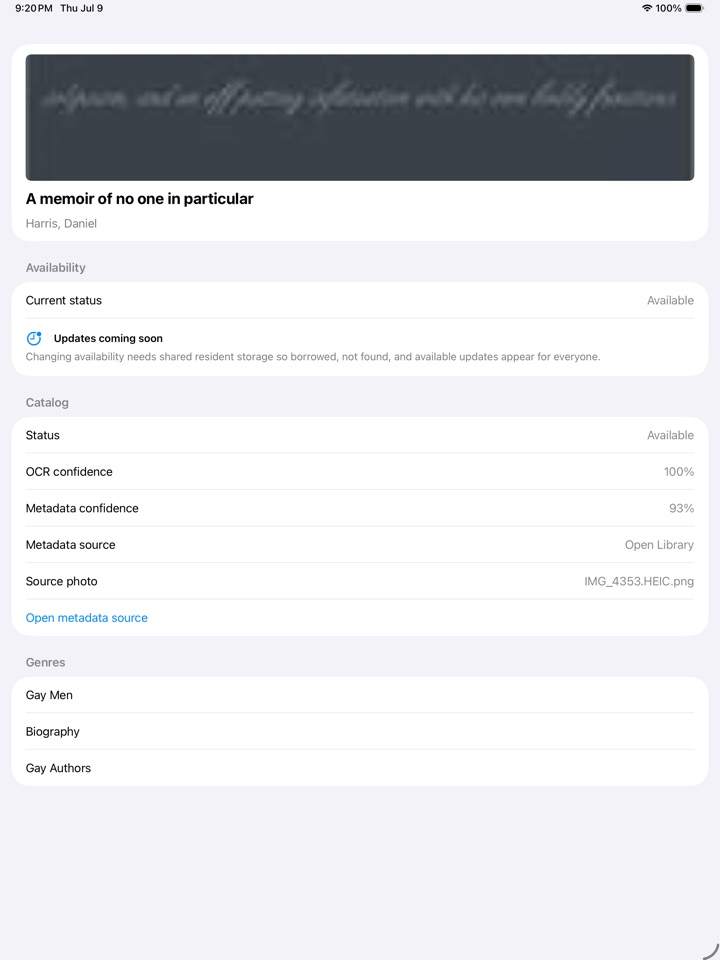
Find a book
- Install RT Library from the App Store and open the Search tab.
- Enter a title, author or genre, or use Genres to browse by subject.
- Open a book to review its details, metadata and OCR confidence where available.
- Check the physical shelf before relying on a catalog entry. Shared availability updates are planned for a later release.
Current Release
- iOS app for iPhone and iPad
- Search by title, author, or genre
- Browse books by genre
- View book details, OCR confidence, source photo, and public metadata links when available
- Catalog generated from recent library shelf photos using OCR and metadata lookup
- 653 OCR-derived book candidates across 50 genres in version 1.0
Catalog confidence and availability
OCR confidence describes the text-recognition result. Metadata confidence, when shown, describes the catalog match. These are useful clues when an entry looks incomplete or a title seems wrong; they do not guarantee that the book is currently on the shelf.
Version 1.0 is a browsing and search tool. It does not sync borrowing, returns or availability changes between shareholders. Check the shelf for the current situation, even when a book detail shows an available status.
Coming Soon
- Co-op shareholder book request submissions
- Shared availability updates
- Book donation photo flow
- Improved metadata matching and catalog cleanup
Requests and availability updates are intentionally marked Coming soon in version 1.0 because shared storage for co-op shareholders is planned for a later release.
Common questions
Is this a public library service?
No. The app is a shareholder-built catalog for the shared library at Riviera Towers West New York, a private co-op building. The App Store download is free, but the catalog is specific to that community.
Can I request or reserve a book?
Requests and shared availability updates are planned for a later release. Version 1.0 does not submit or sync requests.
What if a title or author is wrong?
OCR can misread shelf text, and metadata can match the wrong edition or book. Send the title or author shown, what needs correcting and your app version through RT Library support.
Can I use it without an internet connection?
The bundled catalog and on-device search do not need a server. Public covers and metadata links may need an internet connection.
Notes
The catalog is generated from photos and OCR, not manually entered one book at a time. The total includes verified and unverified book candidates, so some titles may contain OCR mistakes or need co-op shareholder review.